NBX allows you to automate your crypto purchases using Recurring Orders (DCA) via QuickBuy. This lets you buy cryptocurrency at fixed intervals without having to place each order manually.
Below is a step-by-step explanation of how DCA works on NBX, what happens after setup, and which notifications you will receive.
1. Create a Recurring Order (DCA)
To get started, go to QuickBuy on NBX and choose the asset you want to buy.
Step 1: Choose Buy settings
Select Buy
Choose your Balance - Funds needs to be available to set up DCA
Enter the amount
Review the estimated crypto amount and fee
Click Buy
2. Choose Frequency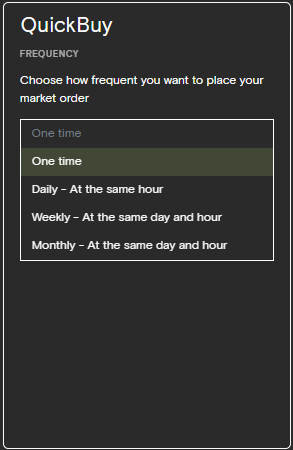
Next, choose how often you want the order to run:
One time - Regular card purchase
Daily – at the same hour every day
Weekly – on the same weekday and hour
Monthly – on the same day of the month and hour
For recurring purchases, select Daily, Weekly, or Monthly.
3. Set Time and Day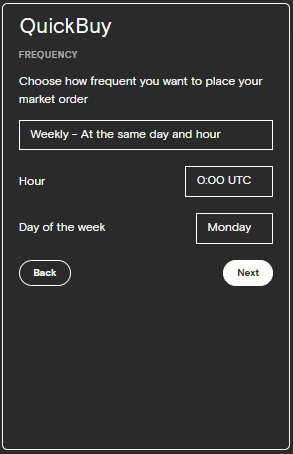
Depending on the frequency, you will be asked to specify:
Hour (UTC)
Day of the week (for weekly orders)
Day of the month (for monthly orders)
This determines exactly when your recurring market order will be placed.
4. Review and Confirm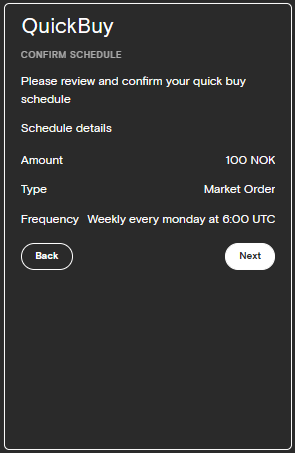
Before the schedule is created, you will see a confirmation screen with:
Amount (NOK)
Order type (Market order)
Frequency and execution time
Click Next to confirm.
Once confirmed, your recurring order is created successfully.
5. Schedule Created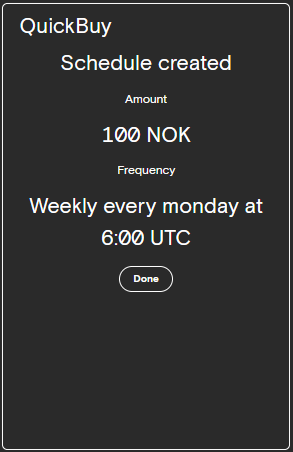
After confirmation, you will see a message confirming that the schedule has been created, including:
Amount
Frequency
Execution time (UTC)
Your DCA is now active.
6. Managing Your Recurring Orders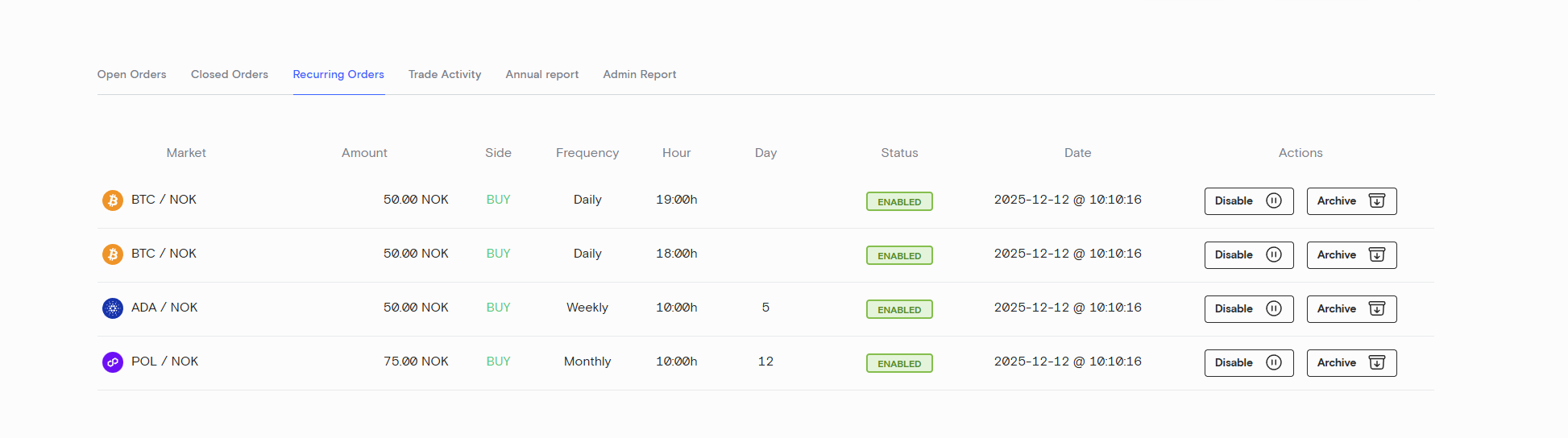
You can view and manage all active DCA orders under:
Orders → Recurring Orders
Here you can:
See all active recurring orders
View asset, amount, frequency, and execution time
Disable an order temporarily
Archive an order permanently
7. What Happens When the Order Runs?
At the scheduled time:
NBX places a market order
The order is executed at the best available market price
Funds are deducted from your available balance
8. Email Notifications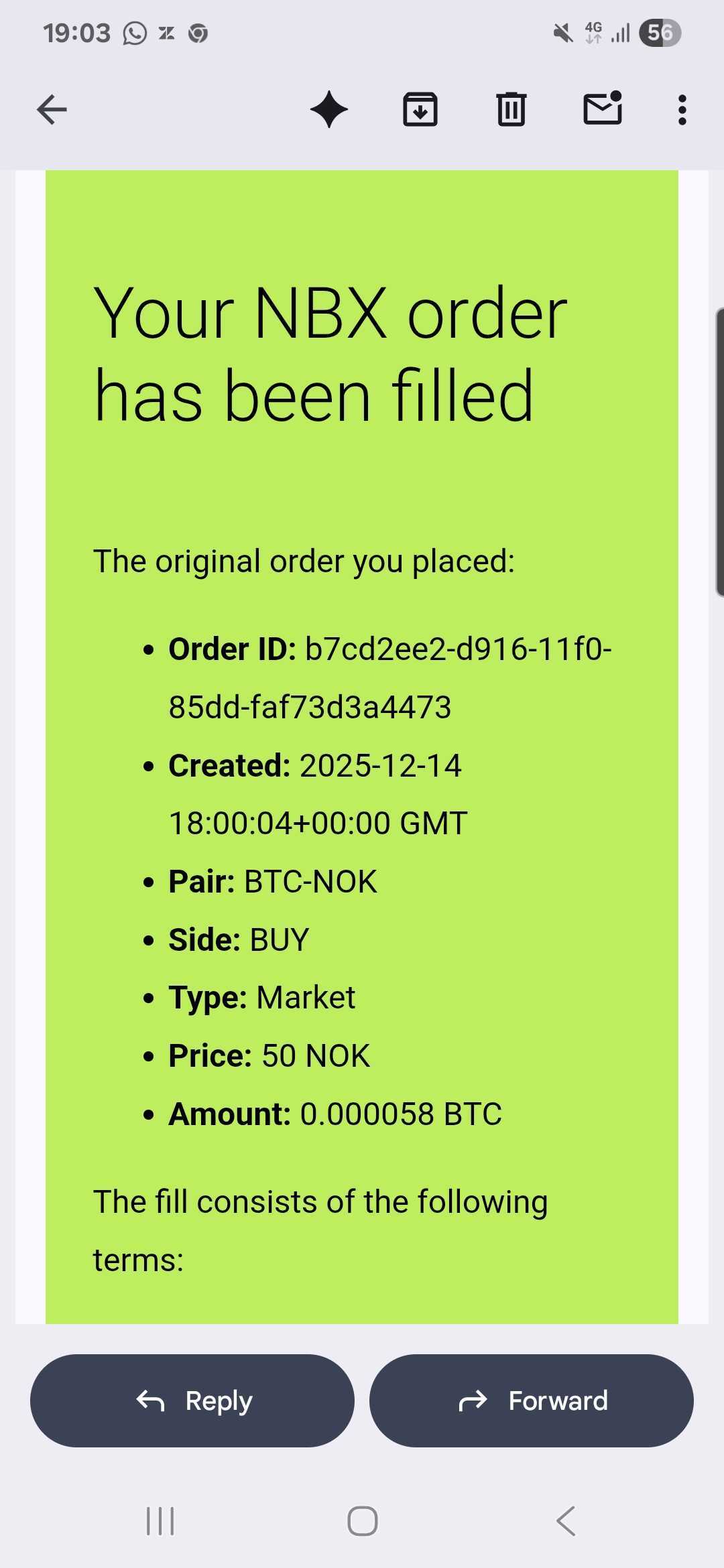
✅ Order Successfully Executed
When a recurring order is filled successfully, you will receive an email confirmation containing:
Order ID
Date and time
Trading pair (e.g. BTC-NOK)
Side (Buy)
Order type (Market)
Executed amount (crypto)
Price paid (NOK)
This email confirms that your DCA purchase has been completed.
❌ Order Failed – Insufficient Funds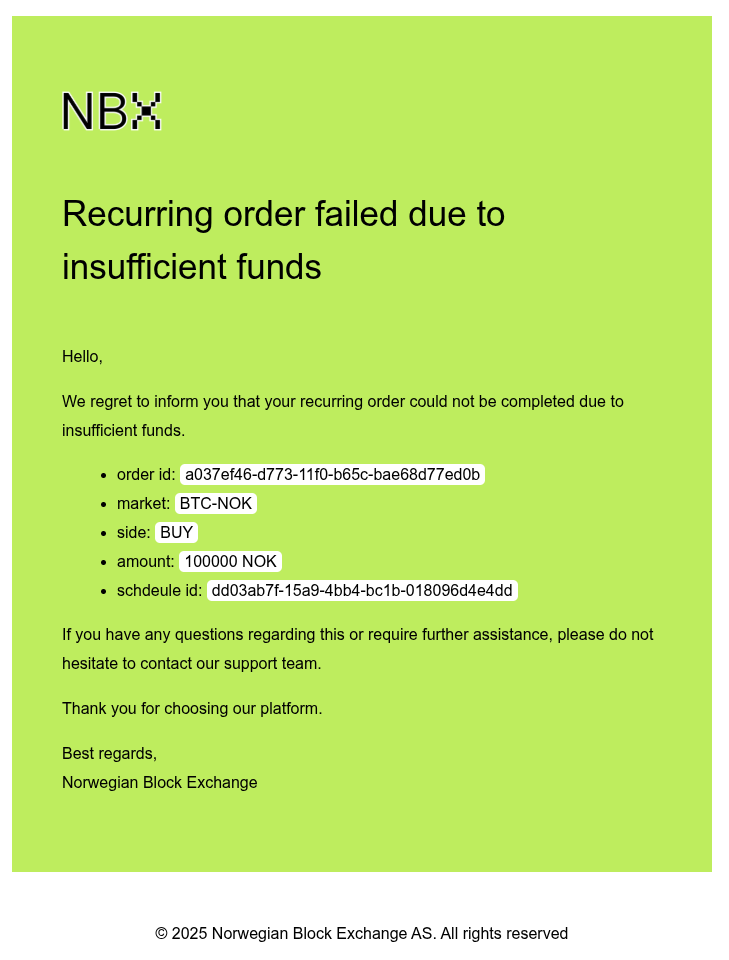
If there are not enough funds available at the time of execution, the order will fail.
In this case:
No trade is executed
You receive an email notification explaining that the order failed due to insufficient funds
The recurring schedule remains active and will attempt again at the next scheduled time
Important Notes
Recurring orders are market orders
Prices are not guaranteed and may vary due to market conditions
Ensure you have sufficient NOK balance before execution time
All times are shown in UTC
You can stop or pause a DCA at any time from the Recurring Orders overview